Say how it should change.
Whismart reads the text before your cursor in the active input field. Tell it to shorten, expand, change the tone, or restructure the text, and it replaces the passage in place.

A palm-sized voice-and-touch controller for AI work:speak full prompts, switch tools, trigger actions, and confirm key steps.
Hear from one of our product managers about the workflow that made us need it ourselves.
Give AI full context with less typing, then move through rewrites, window switches, and key decisions without losing focus.

Get the full prompt out faster.
Speak the task, context, constraints, and expected result in one pass. WhisPrompt turns the full instruction into usable input before you could type it all.

Whismart reads the text before your cursor in the active input field. Tell it to shorten, expand, change the tone, or restructure the text, and it replaces the passage in place.
Choose the active windows you want within reach. Open the switcher from WhisPrompt, move with the wheel, and land on the one you need.

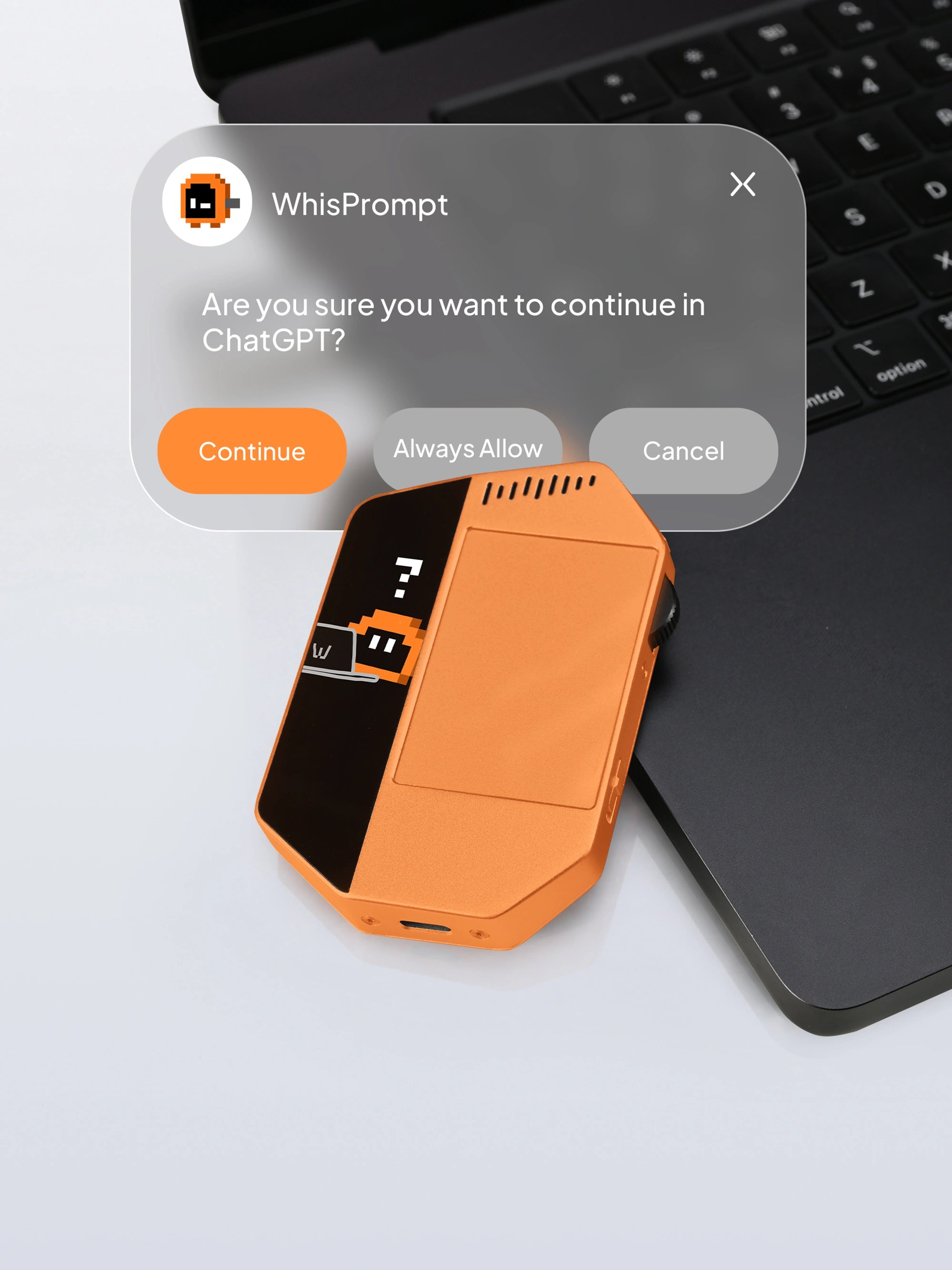
WhisPrompt alerts you when supported Agent work is complete or waiting for approval, then takes you back to the right tool.
WhisPrompt Agent Client, core controls, local voice input, and a generous cloud voice allowance come with the device.
Reserve NowIt knows where your words are going, keeps each control tied to the action you assign, and shows whether the work is running, waiting, or done. The Client feels present because it stays connected to the real state of your computer.
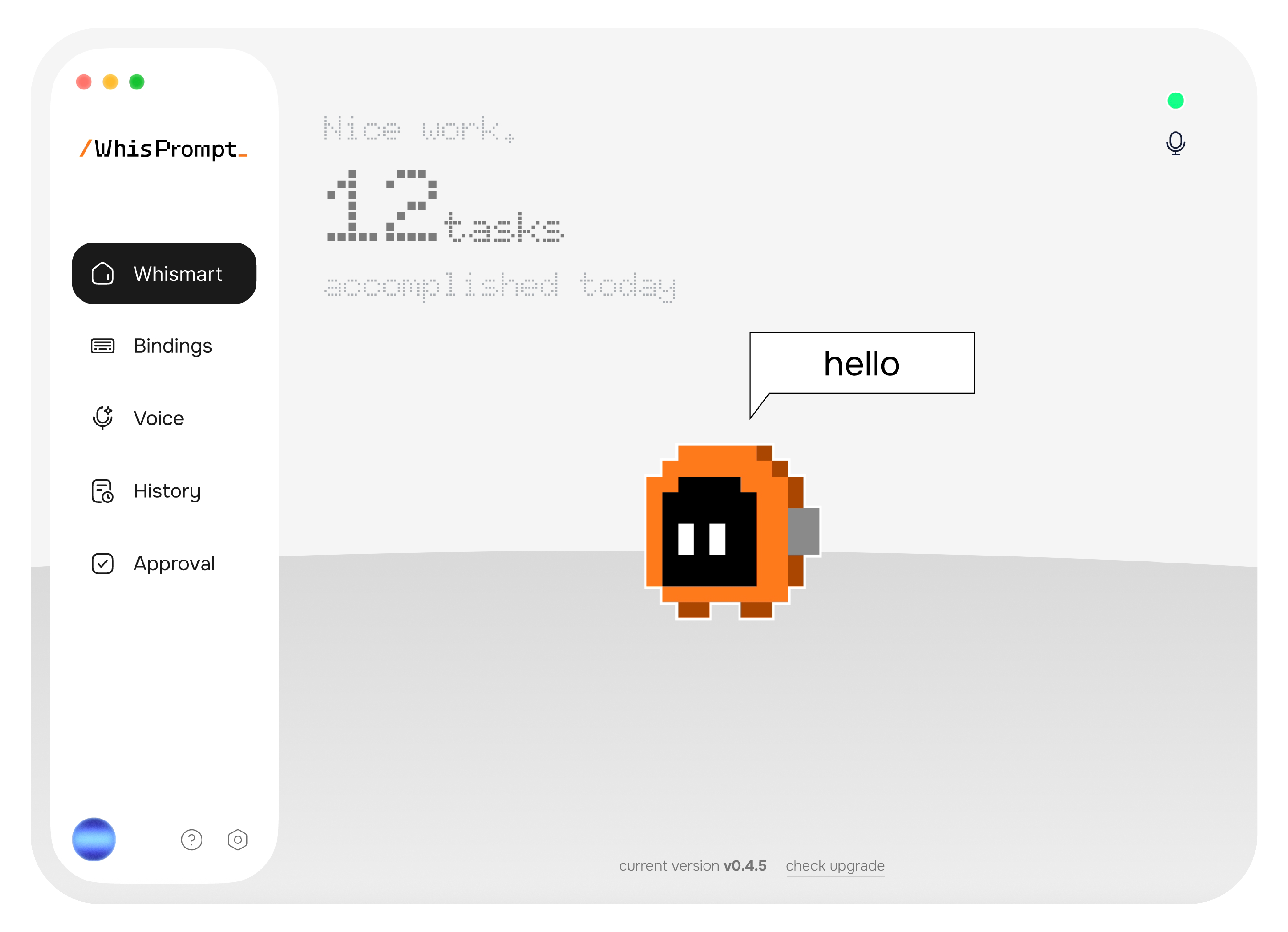
Voice input you can count on, with or without Wi-Fi.
Local processing keeps dictation available without a connection; cloud processing adds capability when you are back online.
Your words land in the right input field.
WhisPrompt targets the input you intend to use and places the transcription there, cutting repeated clicks between fields.
See where supported Agent work stands.
Keep running, waiting, and done states visible in the Client while work moves across tools.
Every control answers to you.
Put your favorite shortcuts and AI actions on the buttons and gestures that feel natural to you.
AI can draft, analyze, code, and run tasks. WhisPrompt makes your part faster: start from your own thinking, shape the work, steer the next iteration, and make the call.
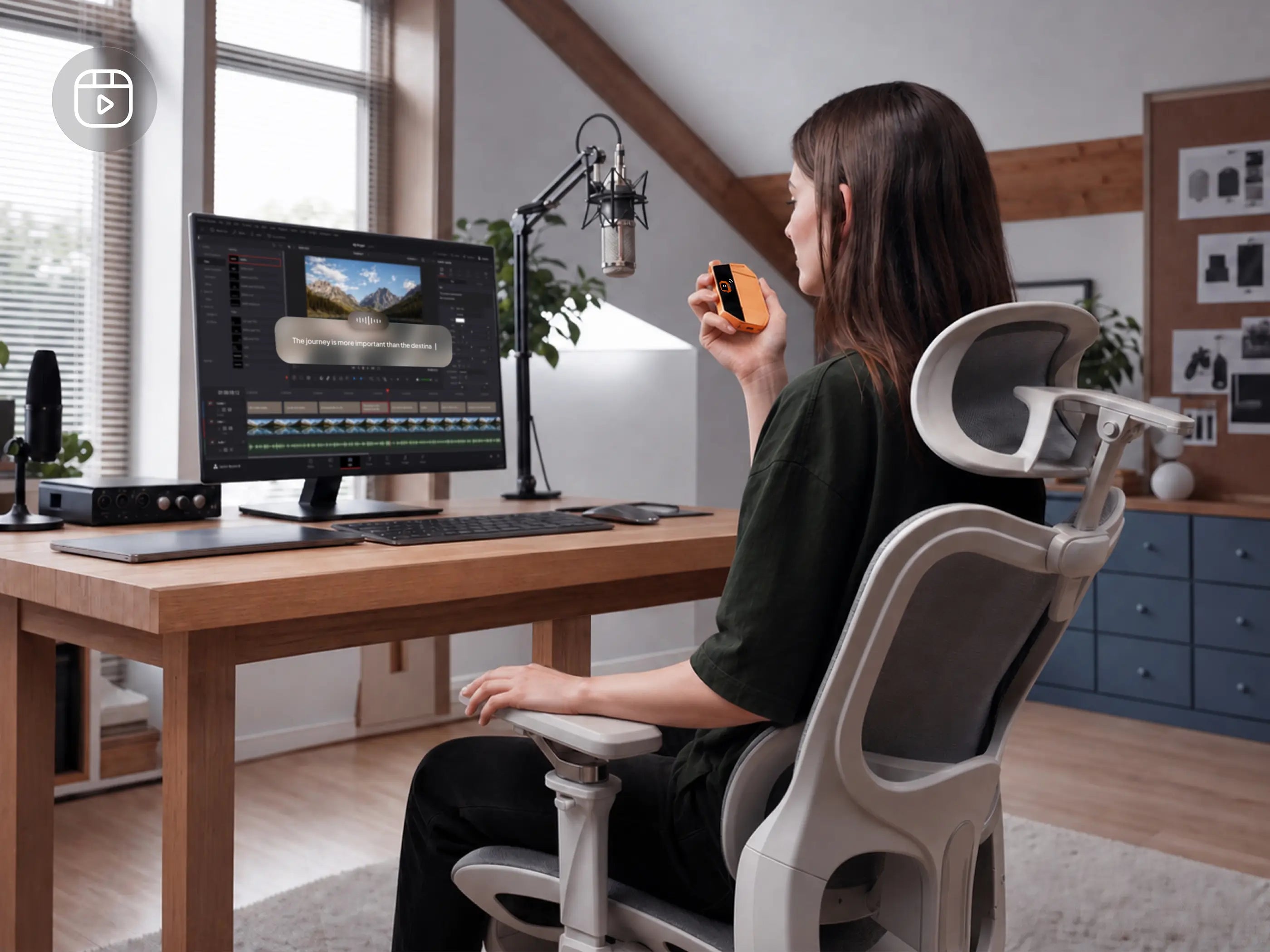
Press and talk. WhisPrompt gives AI your raw thinking, so the first draft starts with you.

Say what needs to change. Whismart rewrites it in place, so you can keep judging the work.
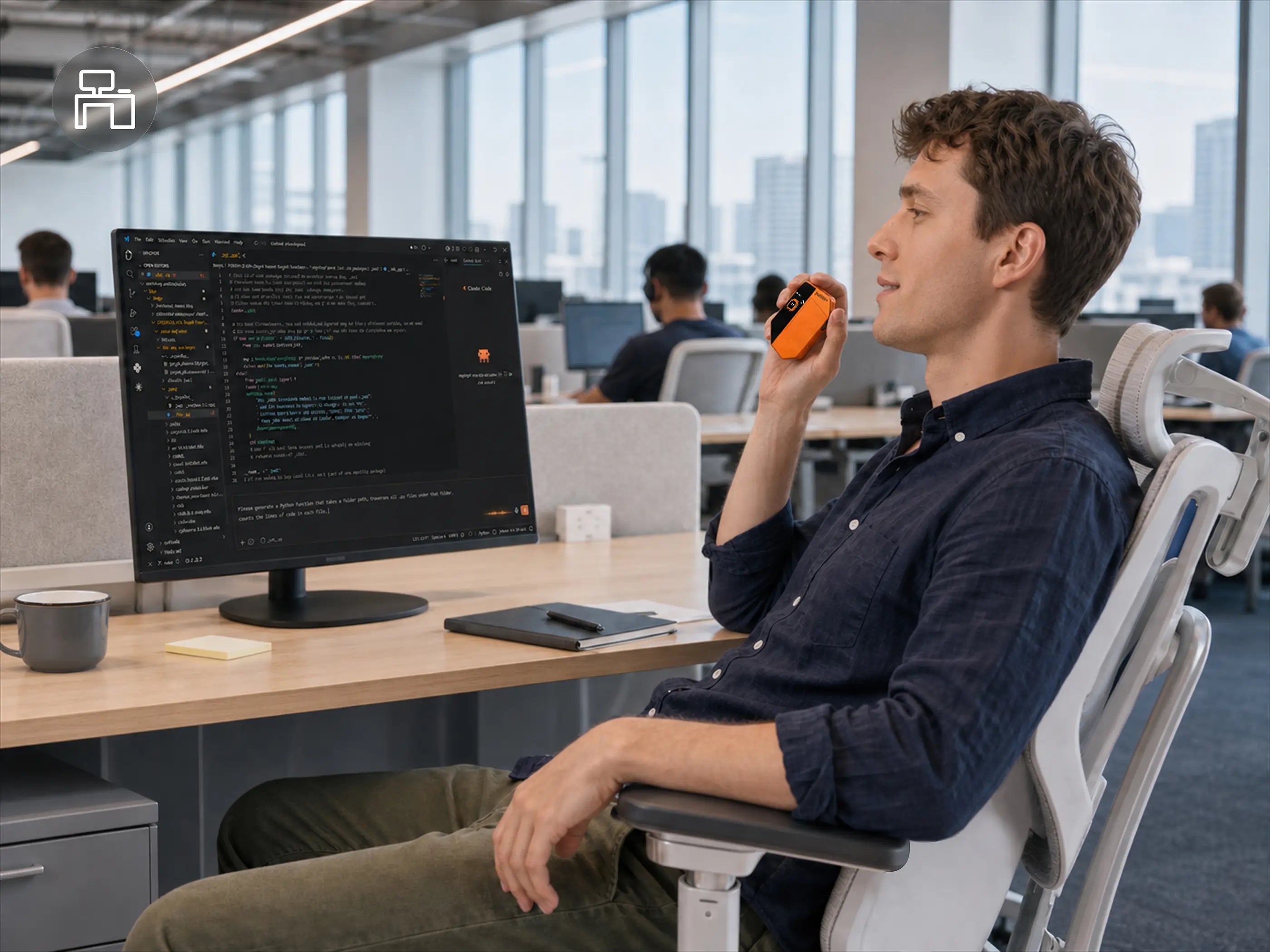
One press returns to your coding agent. Speak the next step while the result is fresh, and keep the iteration moving.
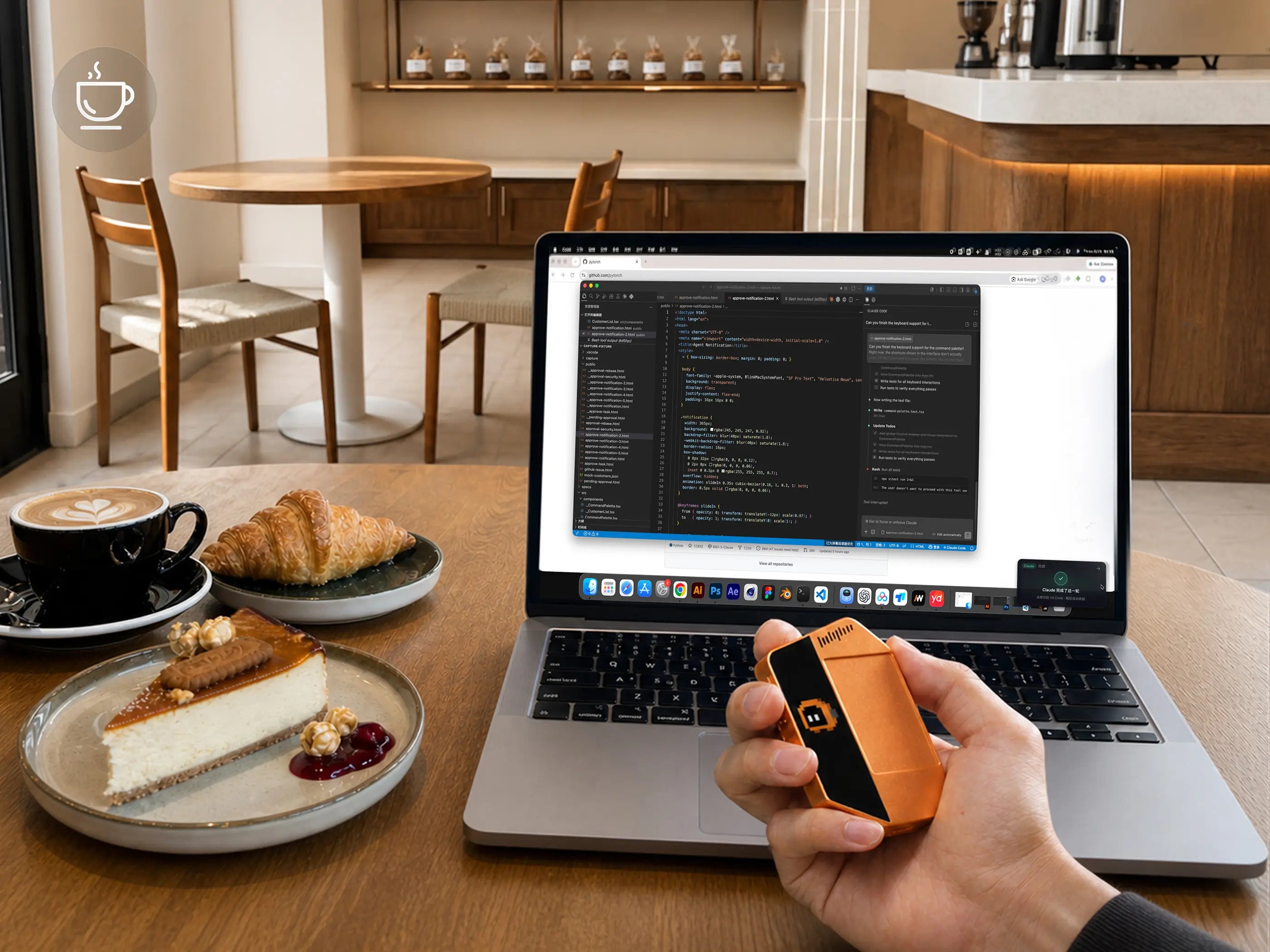
WhisPrompt alerts you when the analysis is ready. State the decision, then confirm the action from the device in your hand.
WhisPrompt buttons and gestures trigger supported shortcuts from verified dictation tools.
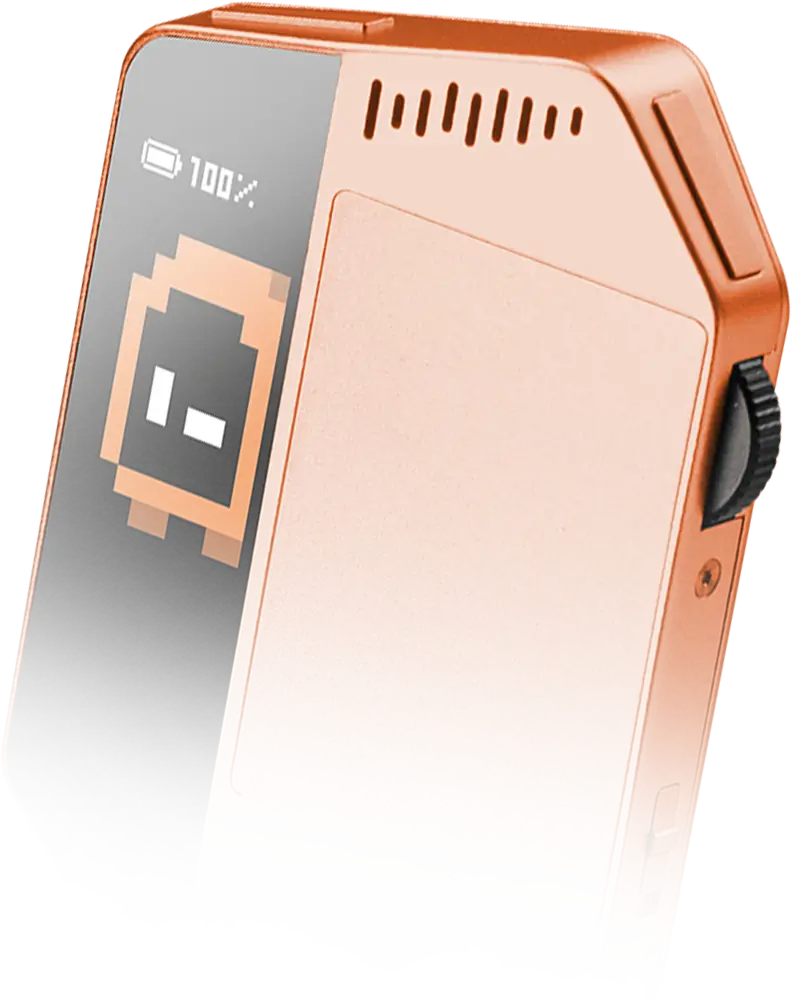
The actions that interrupt AI work should not hide in another menu. WhisPrompt gives speaking, switching, navigation, and confirmation a fixed place you can reach by touch.
No. WhisPrompt is an AI Workflow Controller — a physical control layer for AI work. It helps you speak context, trigger actions, switch tools, and confirm what matters across your AI workflow.
AI tools are getting faster, but the way we control them is still built around typing, clicking, switching windows, and waiting for the next confirmation.
WhisPrompt gives repeated AI actions — prompting, reviewing, approving, and returning to work — a dedicated place in your hand.
No. WhisPrompt works alongside your existing setup.
Your keyboard and mouse still handle traditional work. WhisPrompt is built for the AI moments where speaking, touching, switching, and approving are faster than typing everything out.
You can speak a full brief to AI, keep context connected, switch between tools, review what changed, and approve or redirect the next step.
It is designed for people who move through prompts, context, reviews, permissions, and next decisions every day.
Voice assistants wait for commands. WhisPrompt is built around the workflow.
Press to speak. Control where your input goes. Review what happens next. Approve when AI needs you. Then return to the work without losing your place.
No subscription is required for the core WhisPrompt experience.
WhisPrompt is a device you buy, own, and keep on your desk. You can bring voice, touch, and physical control into your AI workflow without making the controller itself another monthly app.
WhisPrompt is designed for the AI tools and work states you already use — from AI coding tools to productivity apps and browser-based workflows.
Compatible tools and supported actions will continue expanding as the product moves through beta.
You choose the voice route.
WhisPrompt includes local voice input for privacy-sensitive work, so speech recognition can run on your computer. When you want a smarter voice experience, you can switch to cloud voice input.
Yes. The reservation deposit is designed to secure early access and priority launch updates, not to lock you into a final purchase.
You can request a refund before your final order or launch pledge is confirmed. Final pricing, shipping timing, and deposit terms will be shown clearly before checkout.
WhisPrompt began with a simple idea: put AI control in your hand.

The form evolved around voice, touch, and the controls you reach for.

We showed WhisPrompt and heard how people would use it.

We’re refining WhisPrompt to help more people work more efficiently with AI.