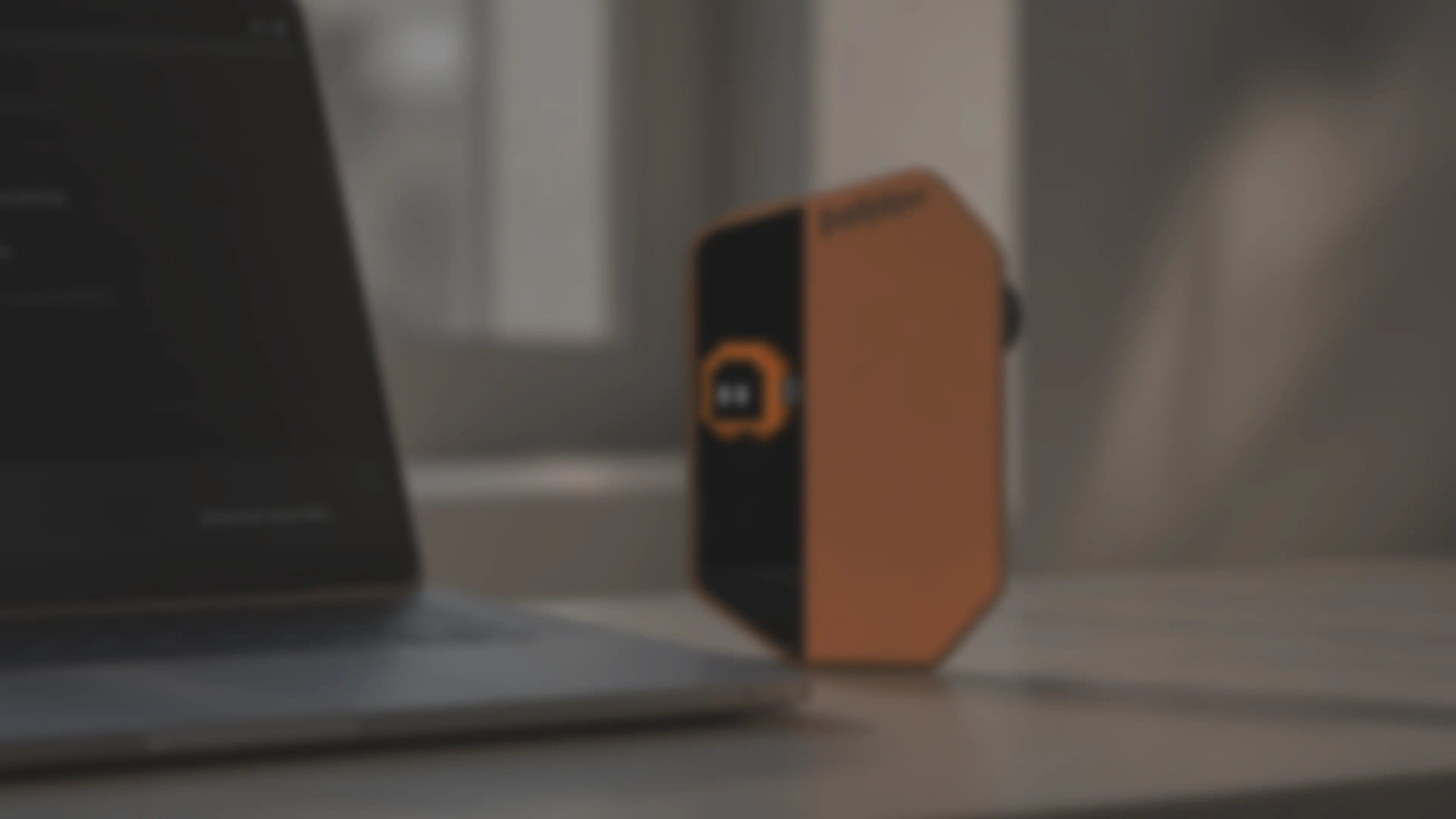
AI Workflow Controller
A palm-sized voice-and-touch controller for AI work:speak full prompts, switch tools, trigger actions, and confirm key steps.
Why we built WhisPrompt
Hear from one of our product managers about the workflow that made us need it ourselves.
Four control moments.One coding flow.
Keep the input, focus, and next decision in reach.
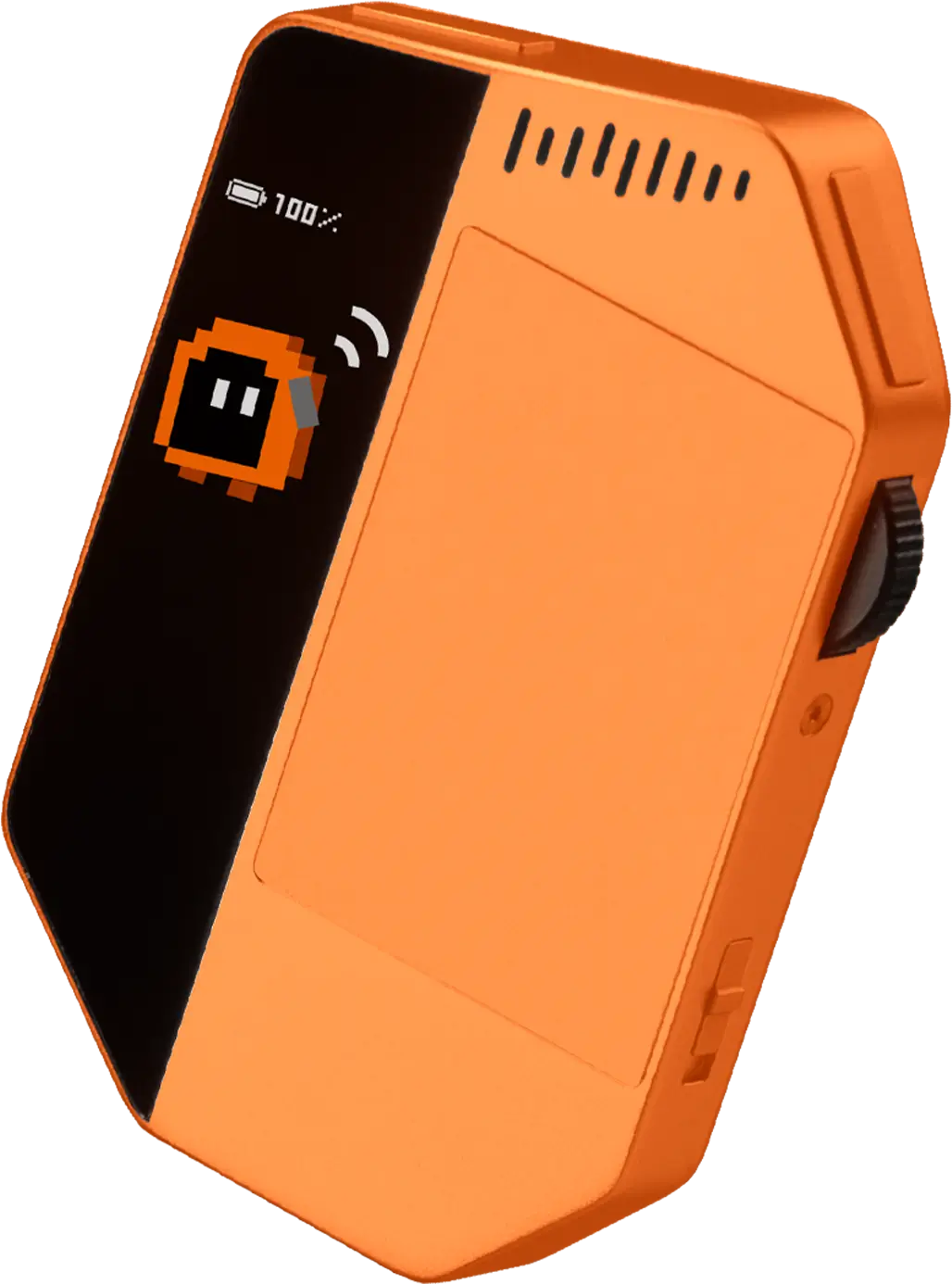
Speak more. Type less.
Keep the task, context, and constraints in one voice input.
Back to your active agent.
One press.
Return focus to the configured IDE, terminal, or Agent input without hunting through windows.
Change the prompt.
Keep the context.
Correct wording, structure, or constraints without starting the task over.
See when it is done.
Approve the next step.
Get a clear status signal when the task completes or a supported workflow needs your decision.
Four control moments.One coding flow.
Keep the input, focus, and next decision in reach.
Speak more. Type less.
Keep the task, context, and constraints in one voice input.
Back to your active agent.
One press.
Return focus to the configured IDE, terminal, or Agent input without hunting through windows.
Change the prompt.
Keep the context.
Correct wording, structure, or constraints without starting the task over.
See when it is done.
Approve the next step.
Get a clear status signal when the task completes or a supported workflow needs your decision.
Keep the next move
under your hand.
The actions that interrupt AI work should not hide in another menu. WhisPrompt gives speaking, switching, navigation, and confirmation a fixed place you can reach by touch.
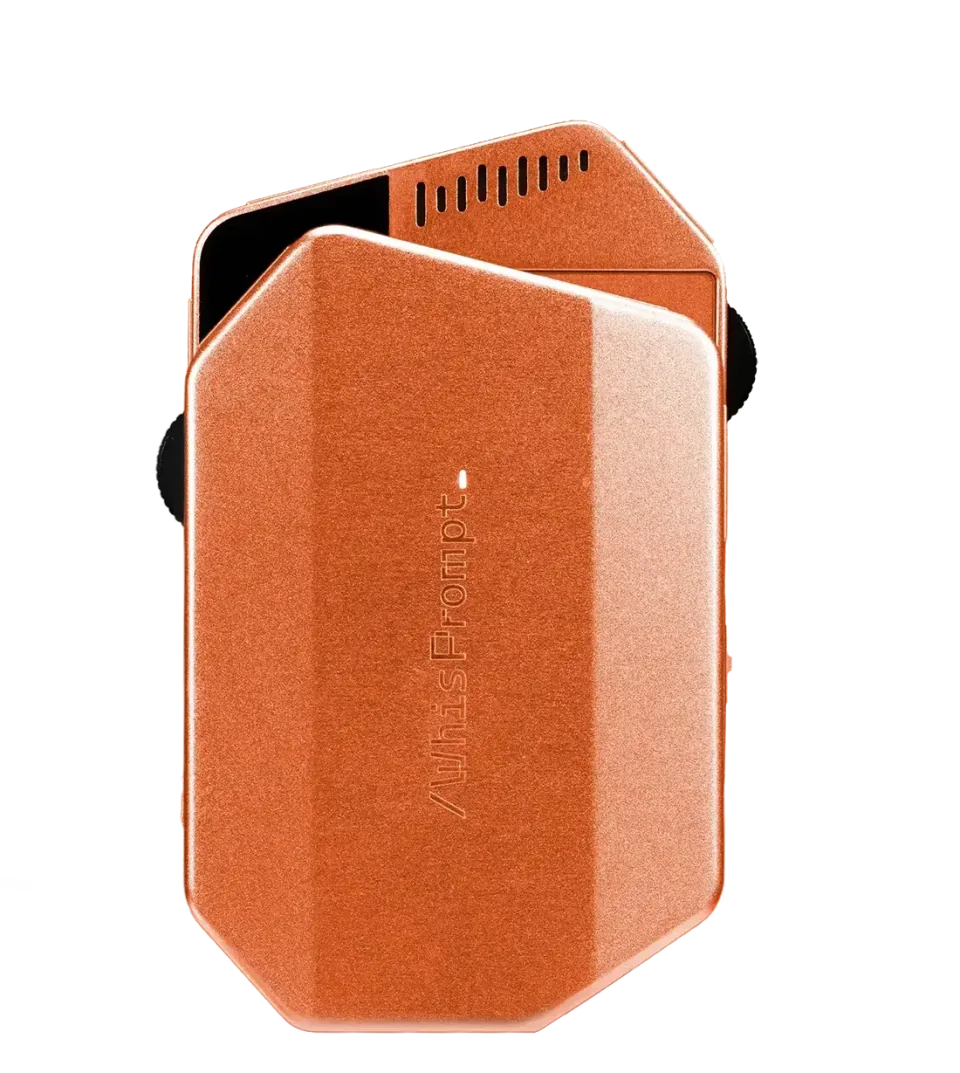
Configure your Agents.
Keep coding.
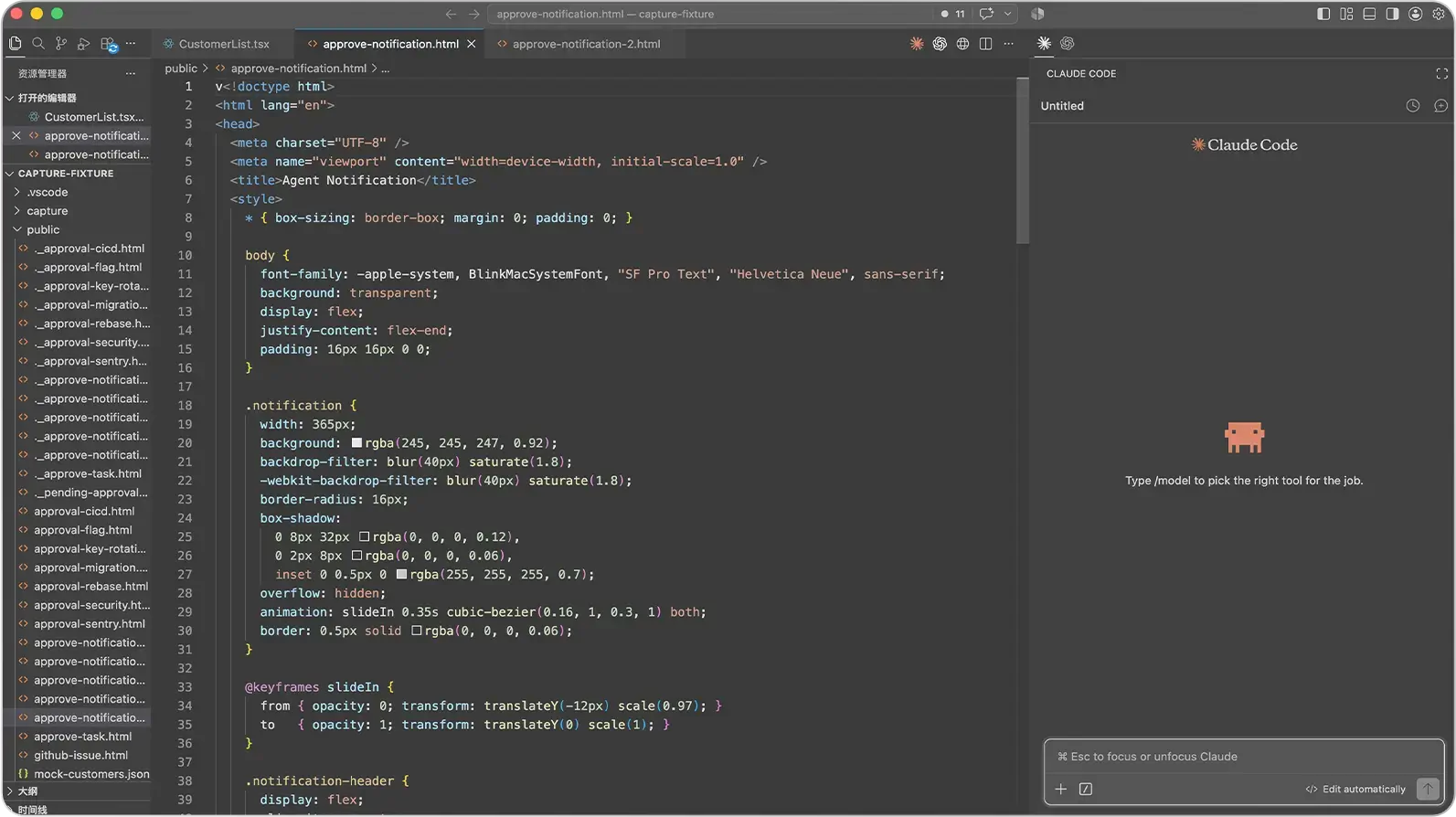
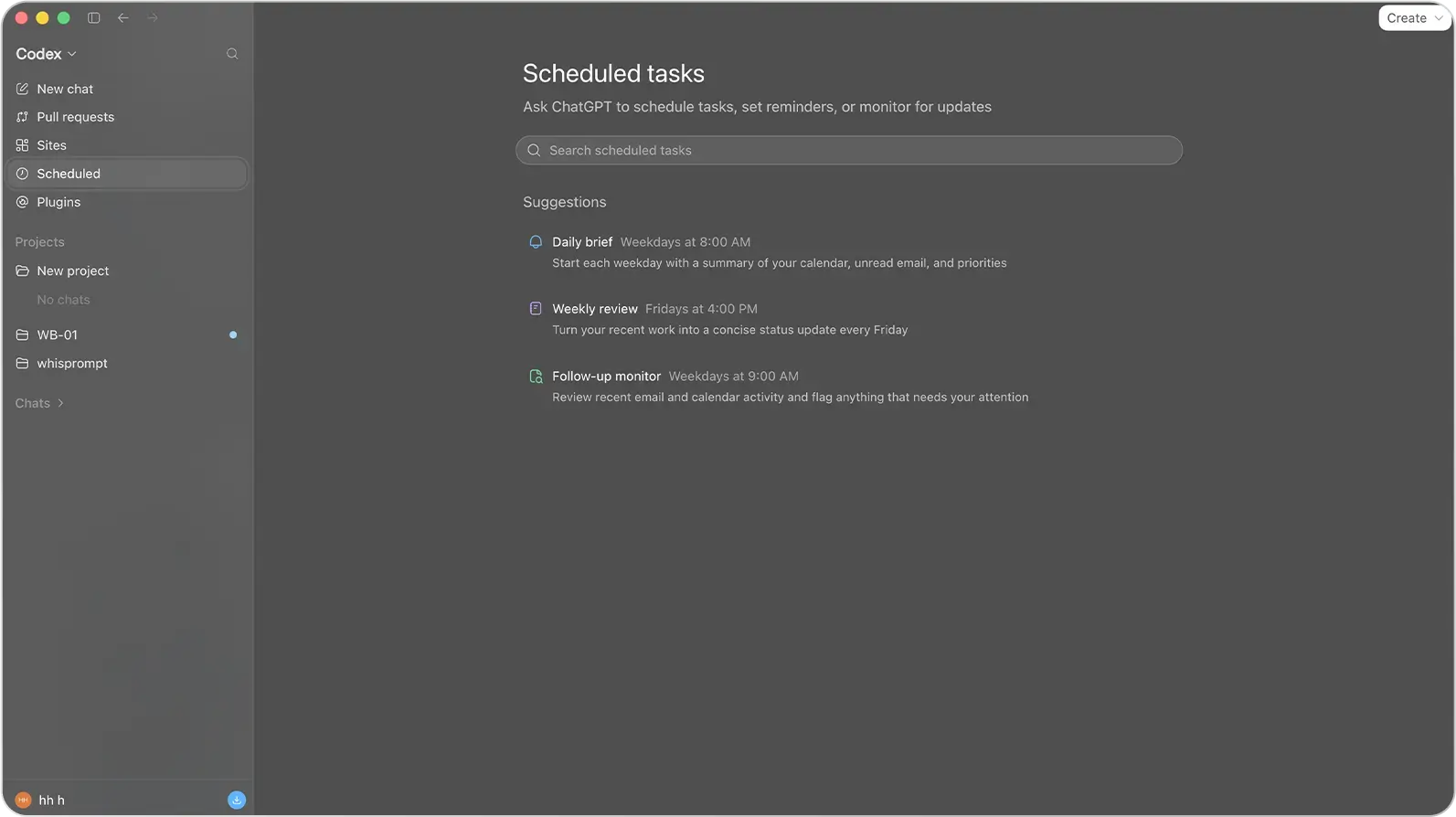
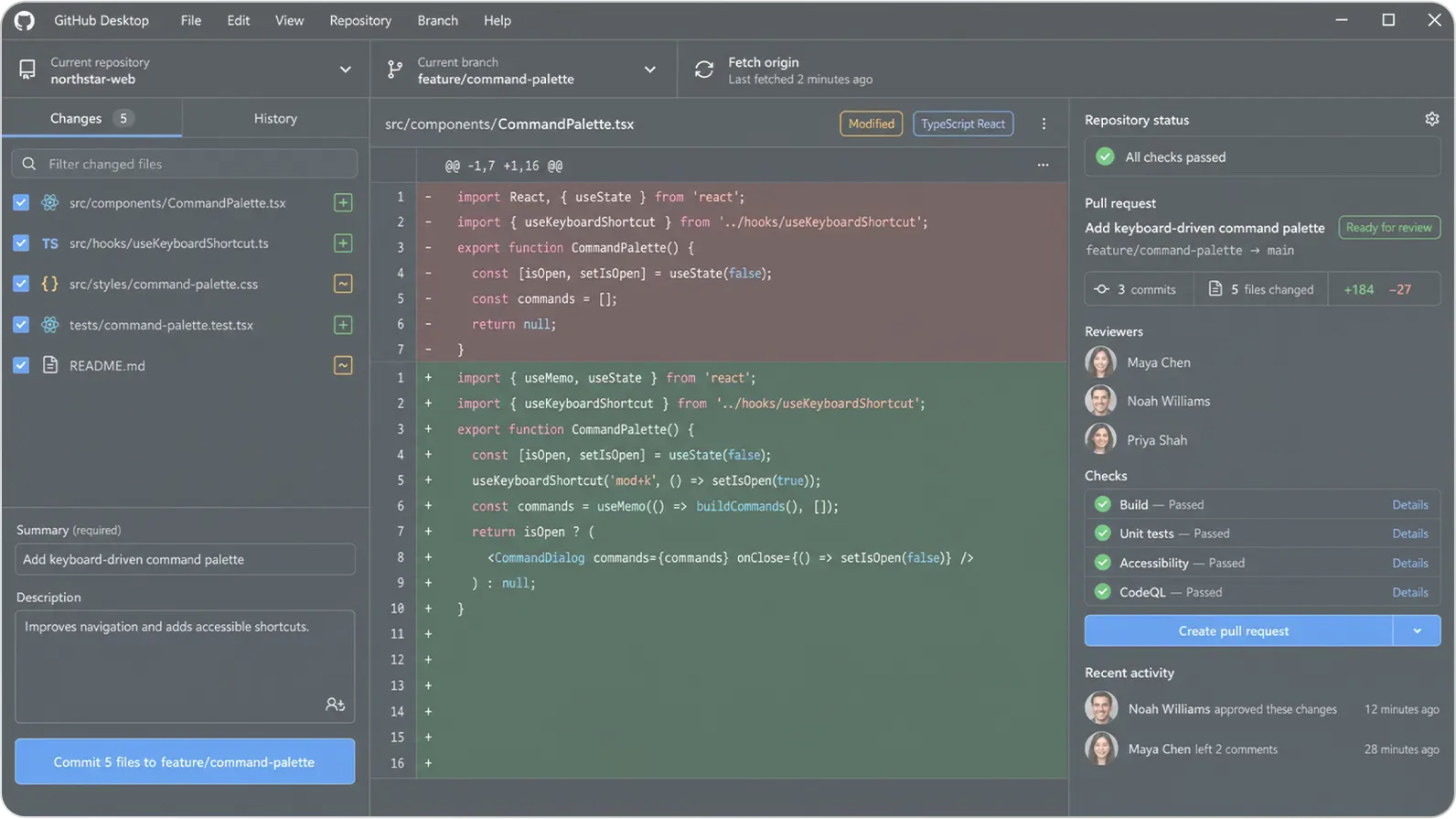
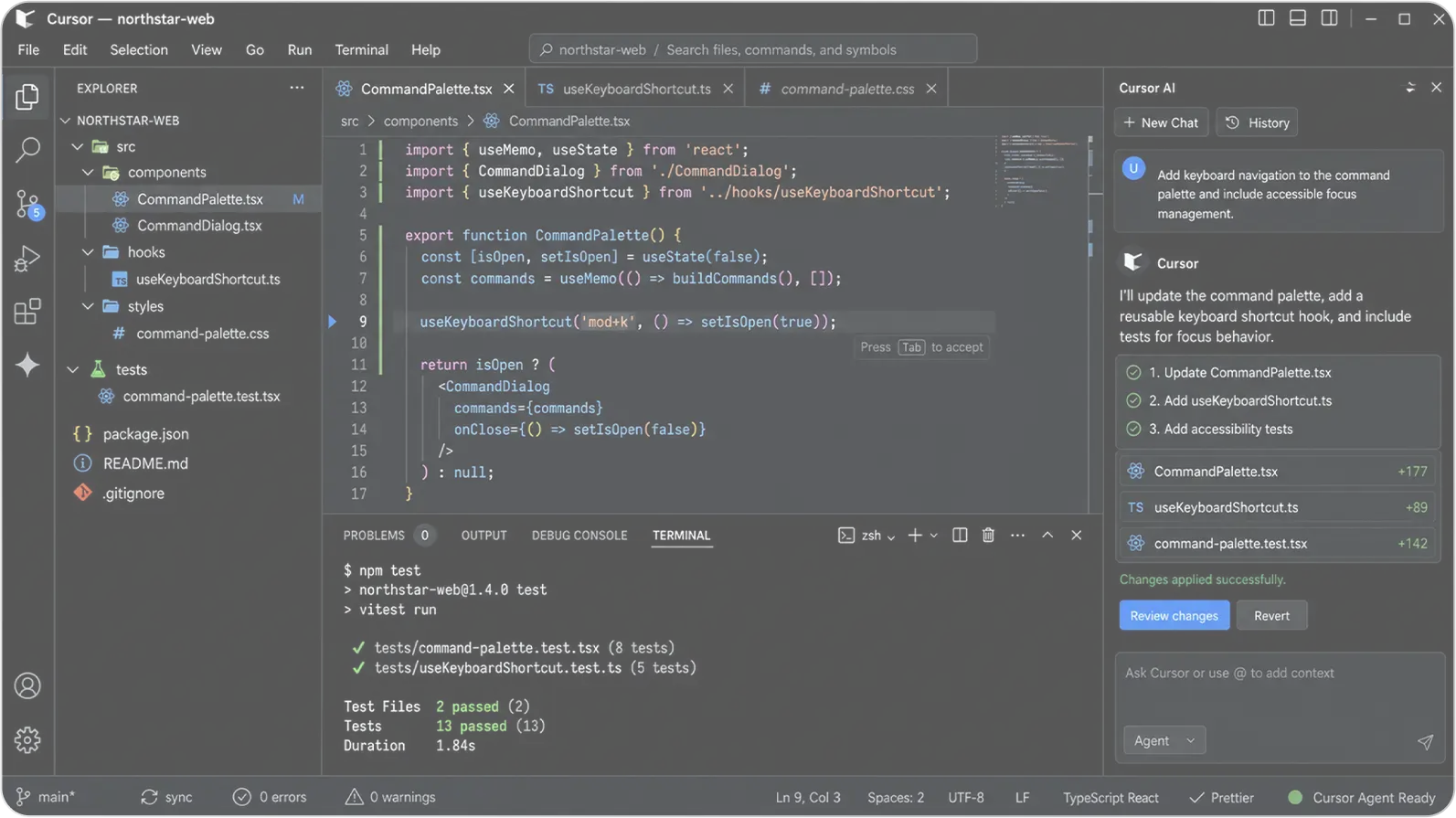
Configure Claude Code, Codex, GitHub Copilot, and Cursor around the coding loop you already run.